
Let’s work out
what’s wrong.
Computer repair and practical technology help in Hellertown and the Lehigh Valley. You don’t need a diagnosis. Tell us what it is doing.
We’ll review your note, ask any questions, and arrange the right next step. This is a request, not a booked appointment.
What needs help?
Choose a device or problem. These are starting points; repairability and parts depend on the model.
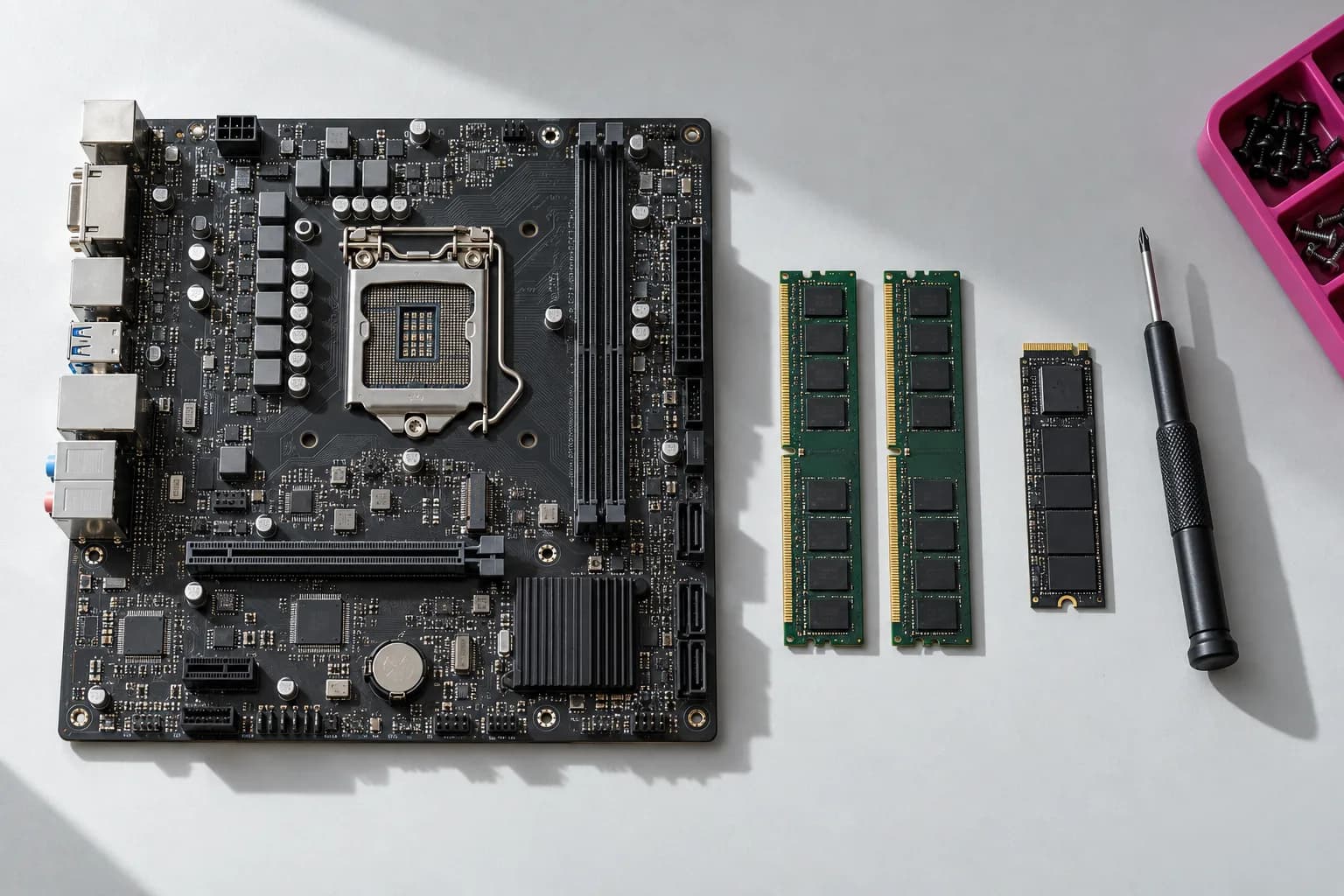
Windows PCs
Startup failures, crashes, slow performance, overheating, Windows problems, malware concerns, gaming PCs, SSD and memory upgrades. Tell us about screen or charging-port damage so we can check the model.
Tell us about this deviceMacs & MacBooks
A Mac that won’t start, macOS trouble, charging or battery concerns, heat, display damage, and storage problems. Liquid exposure and important data need careful triage. Component repair depends on the model.

iPhone & iPad
Ask about a damaged screen, battery, charging, software, or data concern. The exact model, part availability, and damage determine whether we can help and what it will cost.
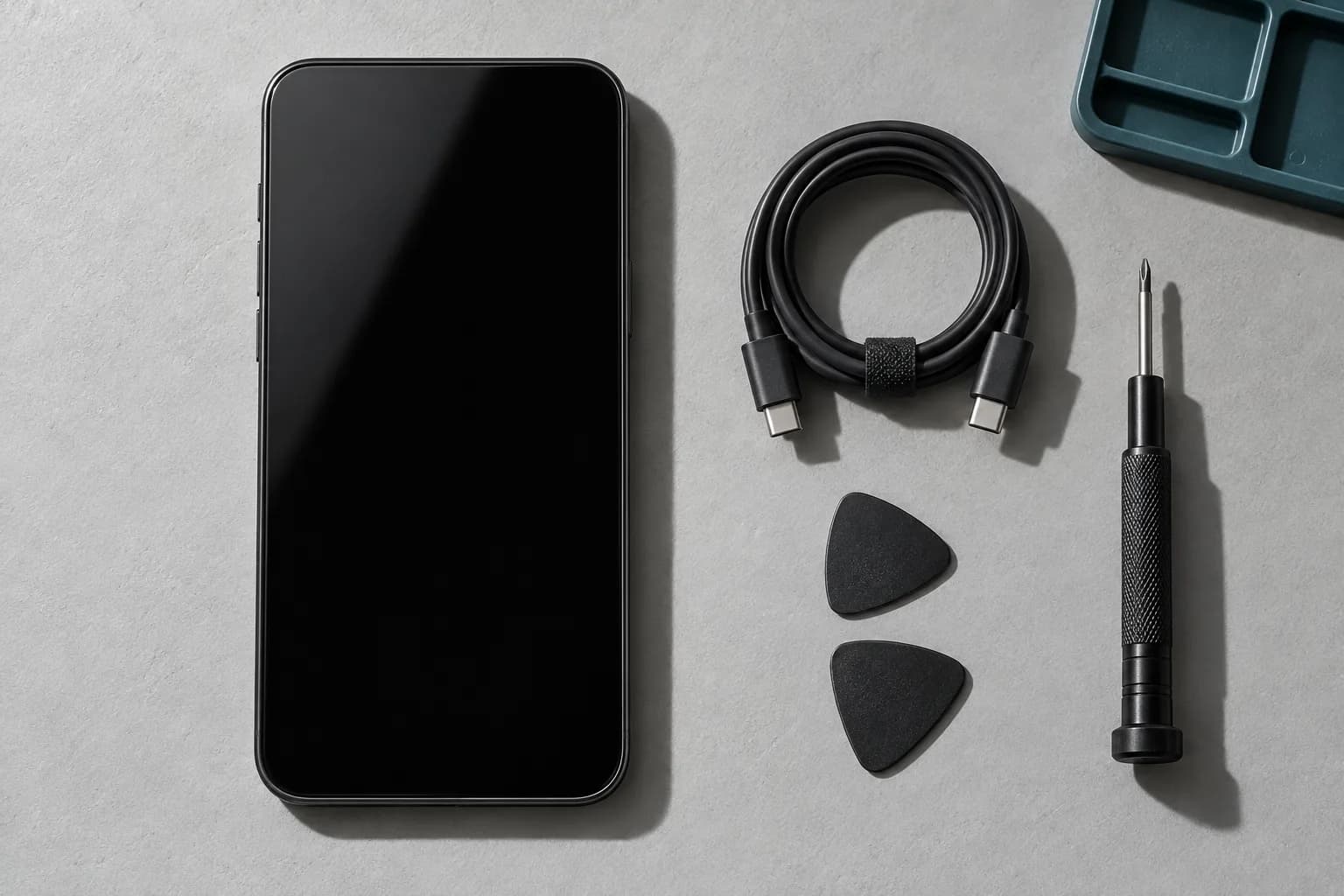
Android, Samsung & Pixel
Tell us the brand and model, if known. Parts and repairability vary considerably. We confirm the approach and availability before accepting a repair. The quote depends on the model and parts.
Wi-Fi, printers & home technology
Rooms losing signal, devices that will not connect, router/modem confusion, printer trouble, or a home office that needs setting up. Visits are by appointment; ask about your town.
Tell us about this deviceStorage & important files
Start with what is missing and whether a backup exists. Recovery is never guaranteed. If a drive may be failing, stop repeated restarts, scans, or recovery attempts and ask about preservation first.
Tell us about this deviceOffice equipment? See small-business IT support. Independent service; no manufacturer affiliation is implied.
Battery damage or liquid exposure?
Stop using or charging a device with a swollen or damaged battery, unusual heat, smoke, or a burning smell. Do not open, press, or puncture it. For smoke, fire, or immediate danger, move away and contact emergency services. A form is not an emergency service.
After significant liquid exposure, stop using and charging the device; don’t keep turning it on to test it. Ask for advice before bringing it in.
Know the cost.
Then choose.
We explain the diagnosis, proposed repair, and parts before you approve work. If replacement makes more sense, we’ll say so.
Phone and tablet repairs need the exact model and a parts check. Screen, battery, charging, and liquid damage can change the quote. We confirm the price for your device after reviewing the model and parts.
- Bench diagnostic
- $75
- Applied toward approved repair labor. Parts are separate.
- Common computer & device repairs
- $125–$350 + parts
- An indicative range, not a promise for every device. The model, damage, labor, and parts determine the quote.
- Home visits, upgrades & transfers
- Quote before work
- Tell us your town, device, and what needs doing. We confirm the approach and cost before arranging the work.
From a problem to a clear decision.
- 1
Tell us what happens
Use the short repair request, call, or email. Include the model if you know it and whether important data is at risk.
- 2
Get options before work
We arrange suitable diagnosis or help, explain the cost, and give you a repair-or-replace recommendation.
- 3
Approve, repair, and test
You choose the work. We carry out the agreed repair and testing, then explain the result and collection or handoff.
A few useful answers.
Do I need an appointment?
Contact us first to arrange the right kind of help. Home and on-site visits are by appointment. Sending the form does not reserve a time or confirm a drop-off.
Does the diagnostic fee apply toward the repair?
Yes. The $75 bench diagnostic is applied toward approved repair labor. Parts are separate. We explain the proposed work before you decide.
Can you recover my data?
We can discuss the problem and triage what may be possible. Recovery is never guaranteed. If a drive is clicking, disconnecting, or appears to be failing, stop repeated scans, restarts, and recovery attempts. Tell us whether a backup exists; preservation comes first.
Do you repair every phone or tablet?
Repairability varies by model. Tell us the exact model, if known, and the damage. We check repairability, parts, and availability before confirming work. You can still ask if you do not know the model.
Do I need to send my password?
No. Keep device PINs, account passwords, security answers, full IMEIs, and private files out of the form. If testing later needs device access, we discuss the minimum access and how to handle it directly with you.
What should I prepare?
A device or model if known, what happened, when it began, and whether important files have a backup. For a visit, tell us your town. Do not keep testing a damaged or failing device just to answer a question.
You can start with “it stopped working.”
That is enough to begin. The request helps us prepare; it does not produce a diagnosis or commit you to a repair.
A request starts a conversation. Work begins after you approve the scope and cost.